Selfie & location attendance
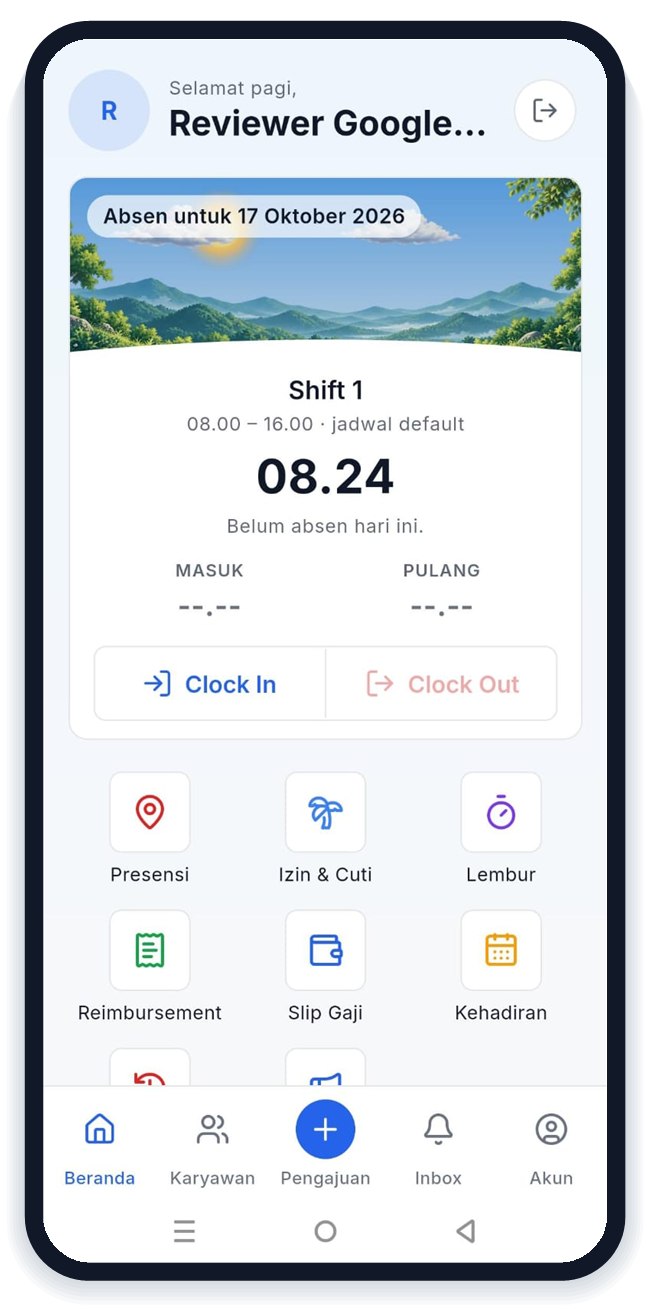
Employees clock in from their phone with a selfie and GPS. Faces are matched and the office radius is checked, including for staff who work across several offices.
TimKita connects HR on the web with employees on an Android app. Employees clock in with a selfie and their location, request leave and overtime from their phone, and receive payslips without paper.
Every module works from the same employee records, so data is entered once.
Employees clock in from their phone with a selfie and GPS. Faces are matched and the office radius is checked, including for staff who work across several offices.
Weekly work patterns, a per-date schedule board, and shift swaps between colleagues approved by HR.
Leave balances follow company policy automatically. Half days, attachments, and approvals included.
Overtime before and after a shift, paid per PP 35/2021 and carried straight into payroll.
Itemised expense claims with receipt photos, from submission to approval.
Pay components, PPh 21 with the TER method, and BPJS are calculated for you. Payslips are published as PDFs in the employee app.
Profiles, files, assets, transfers, contract extensions, and warning letters kept in one history.
Manpower planning, recruitment, onboarding checklists, through to resignation and exit entitlements.
Company news and the outcome of every request reach employees' phones as notifications.
What people used to ask HR, they can now check and request themselves.
iPhone users can use the web version in their browser.
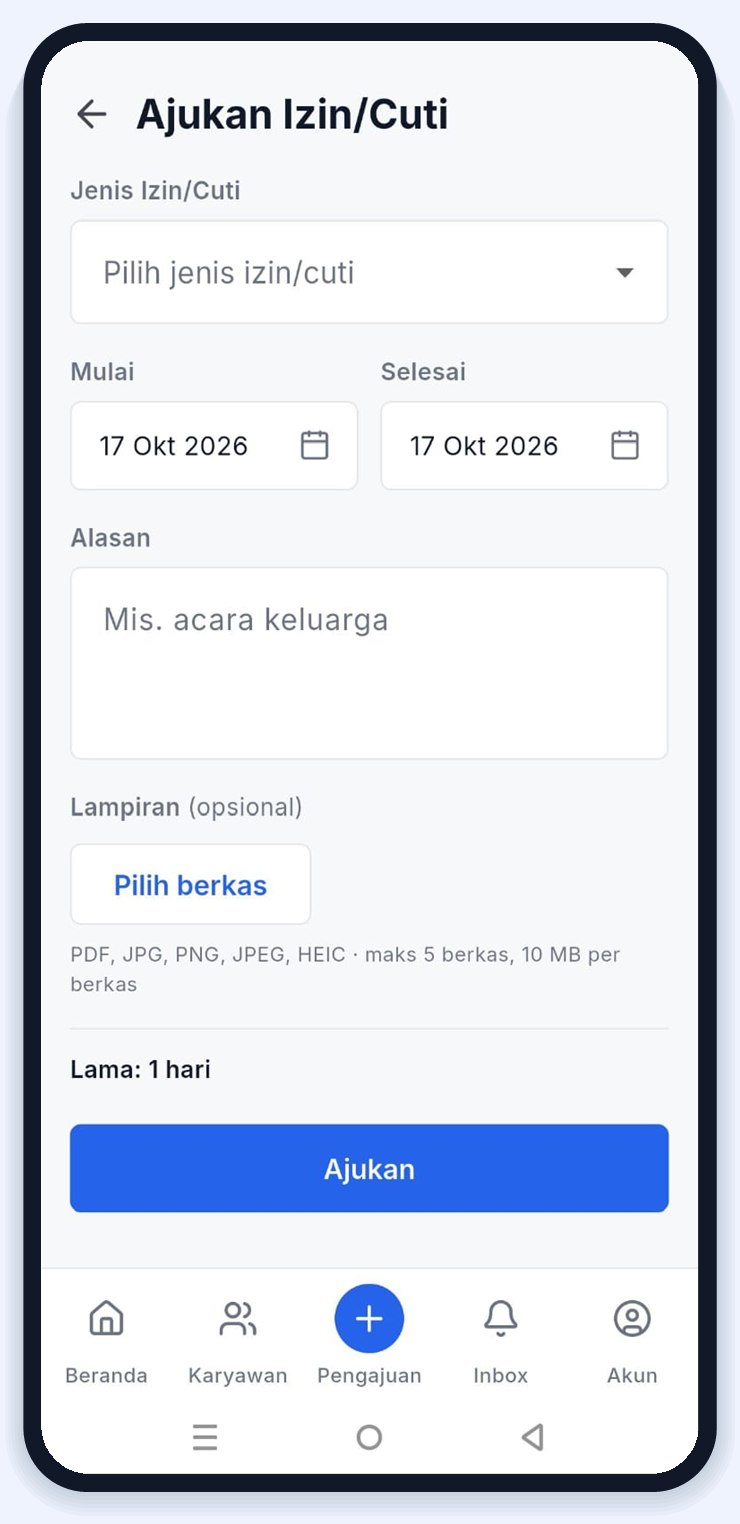
Request leave straight from your phone
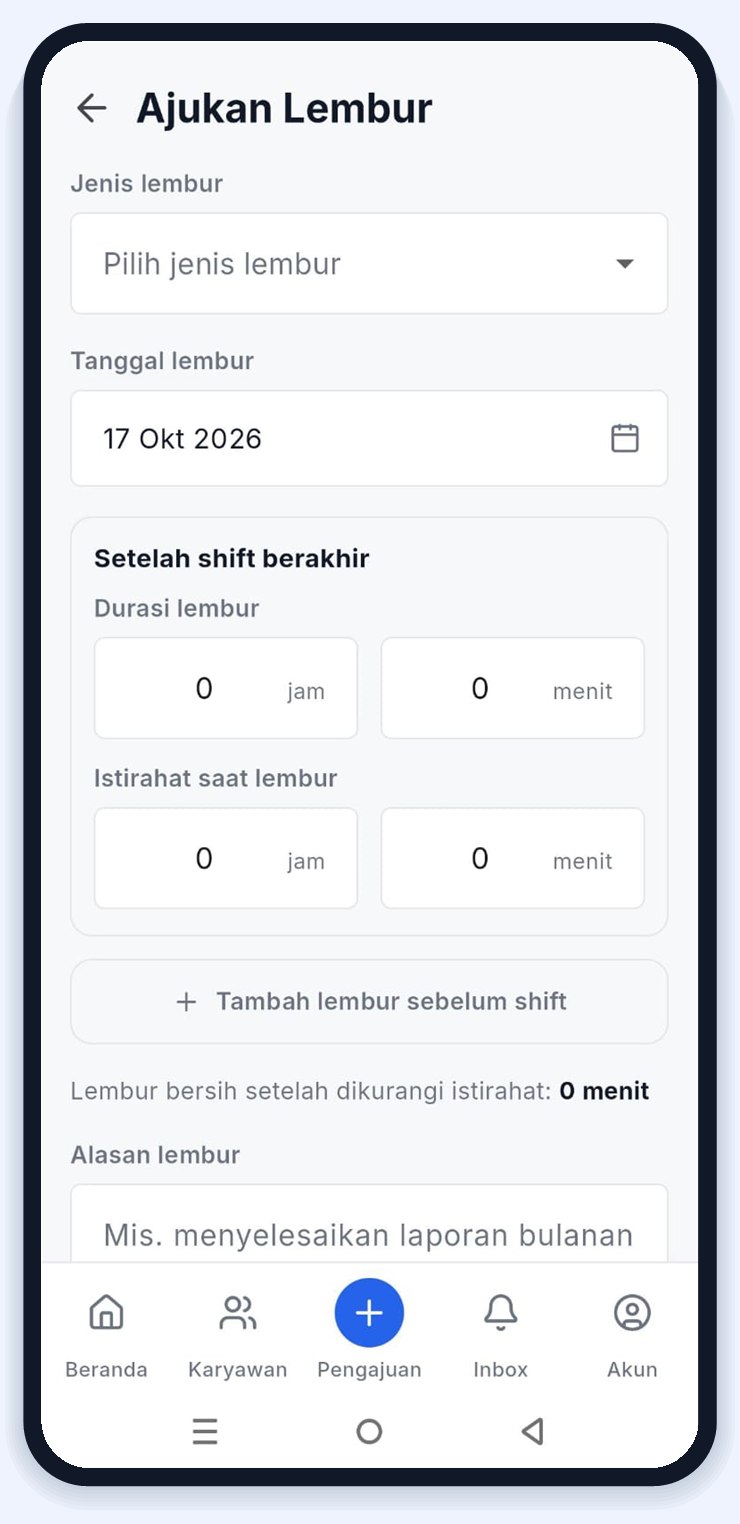
Log overtime before and after a shift
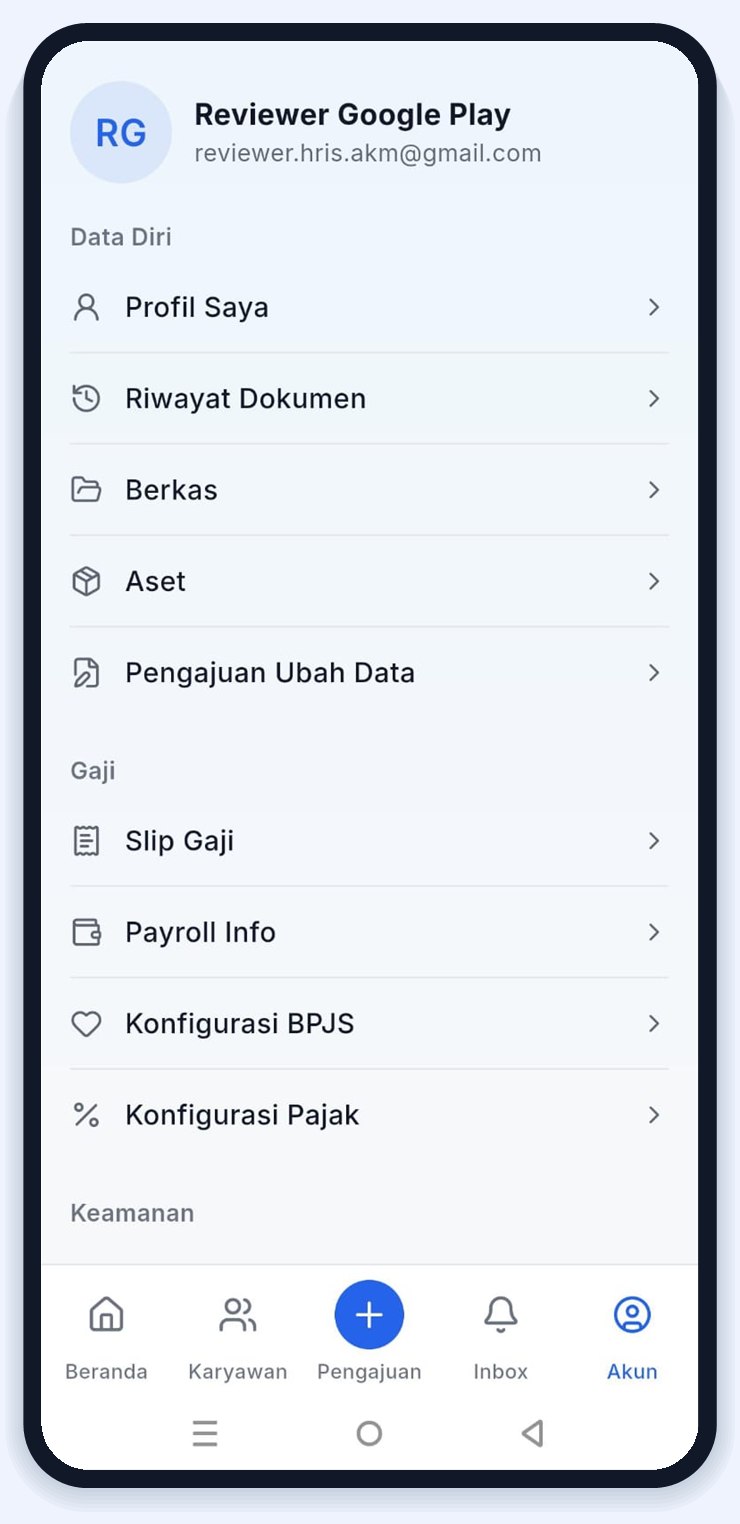
Payslips and personal data always at hand
Monitor and decide from one place, without manual spreadsheet recaps.
Leave, overtime, reimbursements, attendance corrections, and data changes wait in a single queue.
See who is present, late, on leave, or hasn't clocked in yet, as it happens.
Pull the data, calculate, lock, and publish payslips to every employee in a few steps.
Decide who can view, edit, and approve in every module.
Every data change is recorded: who, when, and what changed.
Import employees from Excel and download attendance recaps at any time.
The app is currently available for Android on Google Play. Employees with an iPhone can still clock in and request leave through the web version in their browser.
Each office has its own location and radius, and a clock-in from outside it can be rejected. The face in the selfie is also matched against the employee’s face data.
PPh 21 is calculated with the average effective rate (TER) method according to each employee’s PTKP status, together with BPJS contributions and overtime pay.
Yes. Once HR publishes payslips, employees are notified and can open or download theirs as a PDF from the app.
Fill in the demo request form below. Our team will contact you to schedule a demo and discuss what your company needs.
Tell us a little about your company. We will contact you to schedule a demo.